TunnelQuiz logo beside the Proctorio logo, separated by a versus badge

TunnelQuiz is the all-in-one alternative to Proctorio.

Proctorio is a proctoring layer, and a deep one. It runs as a browser extension inside your LMS or assessment platform and offers ID checks with document matching, webcam, screen, audio and web-traffic recording, desk scans, live proctors and a long list of lockdown settings. Its essential features are free to start. What it doesn't do is host the test: you build that in Canvas, Moodle or another platform. TunnelQuiz builds, proctors and grades the test in one place, with nothing for the candidate to install.

Three things that are different

Know the real cost of proctoring upfront

Proctorio lets you sign up and get its essentials free, then add premium options, but those options aren't priced on its website. TunnelQuiz lists every self-serve plan, credit allowance and top-up price, so you can work out what a 300-candidate drive costs before you speak to anyone.
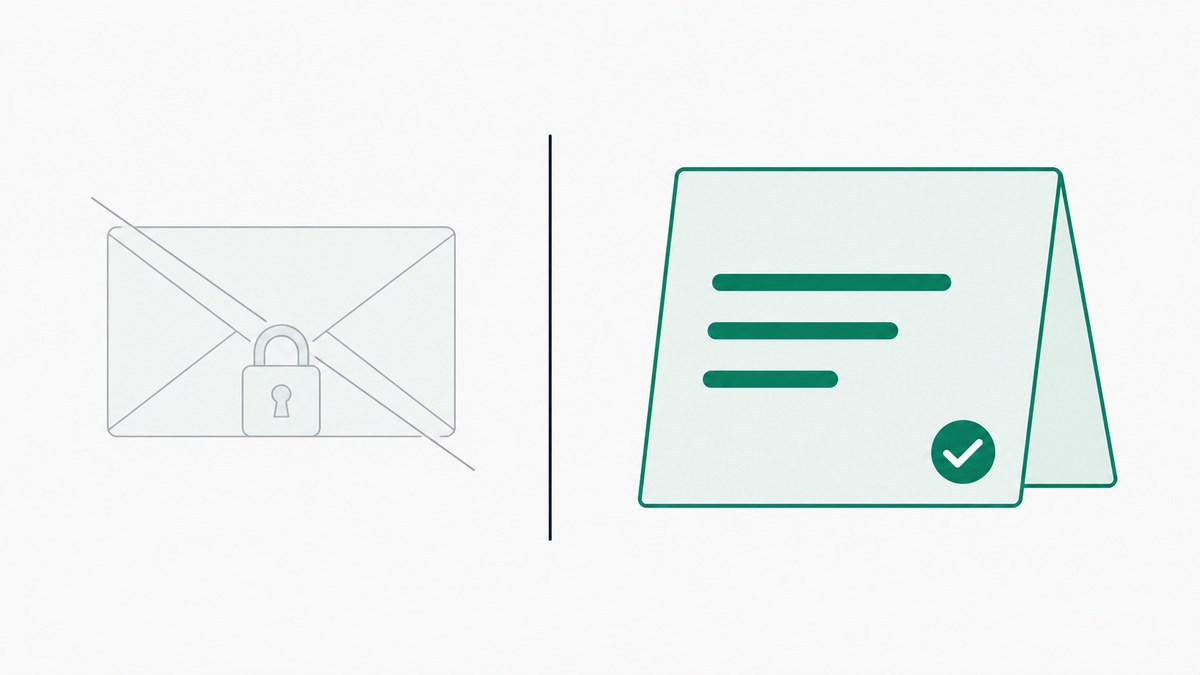
A sealed, padlocked envelope struck through, beside an open price card with a green tick

No extension to install

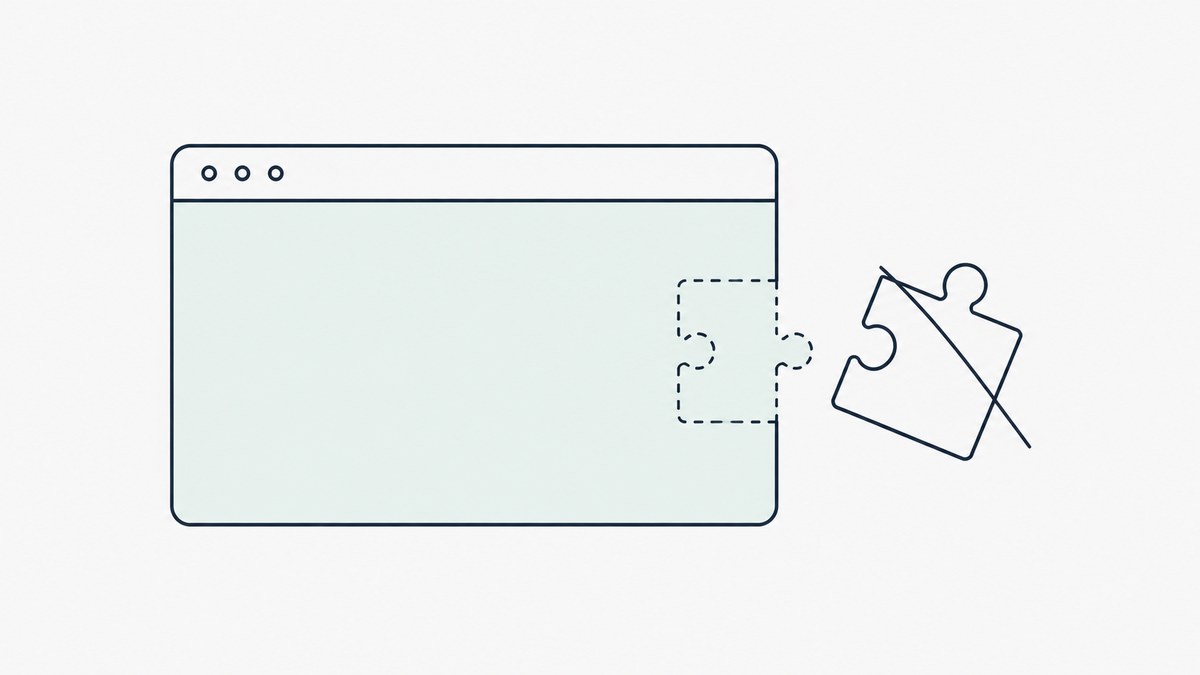
Proctorio's standard setup is delivered through its browser extension for Chrome, Edge, Brave or Opera, with a desktop app for its advanced lockdown. TunnelQuiz has nothing to install. Candidates open a link in Chrome or Edge, share their screen and start.

A browser window with a jigsaw extension piece detached and struck through beside it

One platform, not two

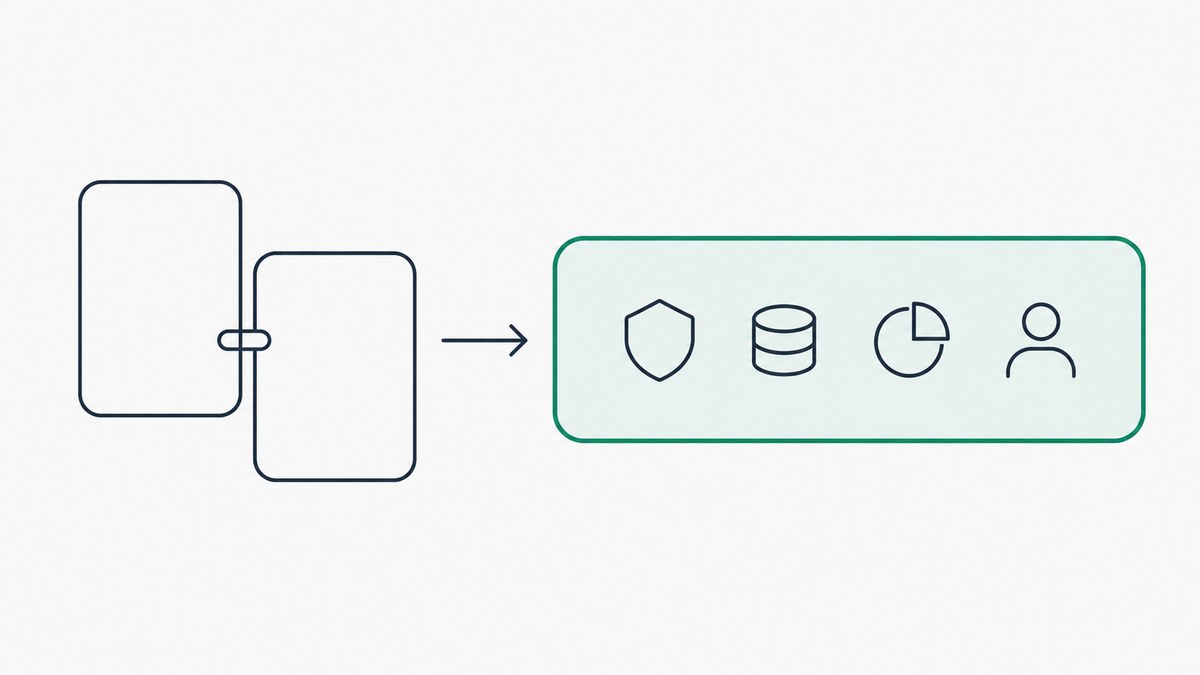
Proctorio secures a quiz that lives in your LMS or another assessment platform, so you need one of those as well. TunnelQuiz includes the test builder, the proctoring and the grading, which suits a hiring team or training center that has no LMS at all.

Two separate panels joined by a connector, an arrow pointing to one panel holding four icons

TunnelQuiz vs Proctorio: feature by feature

Every row below is a capability one or both platforms publish. A dash means we found no public statement that the platform offers it.

FeatureTunnelQuizProctorio
Proctoring and test integrity15
Webcam monitoringYes. Snapshots every 60 seconds, Essential and upYes. Video recording
Captures of the candidate's screenYes. Whole screen every 60 seconds, every planYes. Screen recording
AudioPartly, with conditions. Noise detection by loudness, Essential and upYes. Audio recording
Photo ID verificationNo. Yes. Live ID check with document validation and image matching
One-time code before the testYes. Email on any plan, SMS from EssentialNot stated.
Desk or room scanNo. Yes.
TabsYes. Every switch logged with time awayYes. Can block new tabs and close open ones
Copy and pasteYes. Blocked and loggedYes. Clipboard can be disabled
Multiple monitorsYes. Detected in Chrome and Edge, every planYes.
Fullscreen enforcementYes. On by default, exits loggedYes.
Browser extensionsYes. Known AI extensions flagged, Essential and upYes. Can disable extensions
Live oversightYes. Live monitoring from Essential, Live Follow on ProYes. Live proctors, or your own staff in real time
Automatic flaggingYes. Flags and a risk score; optional auto-terminate from EssentialYes. Adjustable flags; decisions are left to the institution
Nothing to installYes. Proctored tests need Chrome or EdgeNo. Browser extension; desktop app for advanced lockdown
iOS devicesNo. Not supported for proctored testsPartly, with conditions. Mobile app, sold as an add-on
Questions and tests4
Built-in test builderYes. No. Runs on your LMS or assessment platform
Question types and gradingYes. MCQ and written answers; AI-drafted grading on ProPartly, with conditions. Whatever your LMS or quiz platform supports
Negative marking and per-question timersYes. Partly, with conditions. Set in your LMS, if it supports them
Random question pools and CSV importYes. Every planPartly, with conditions. Depends on your LMS
Reports and integrations4
Shareable, revocable report linksYes. Essential and upNot stated.
Side-by-side candidate comparisonYes. Pro planNot stated.
LMS integrationNo. Yes. Canvas, Blackboard, Moodle, Brightspace and Open LMS via LTI
APINo. Webhooks on BusinessYes. Developer APIs
Pricing and access4
Way to start without payingYes. Free plan, 50 credits every monthYes. Essential features free
Self-serve signupYes. Yes. Sign-up and LTI setup without a sales call
Published prices for paid featuresYes. No. Premium options aren't priced on the site
Pricing modelFlat plans: Free $0, Essential $34/mo and Pro $87/mo, both billed yearly (12% off monthly), Business quoted - 50/150/250 credits a month; unproctored tests free on paid plans, AI generation, grading and chat interviews metered separately in AI credits; in India, ₹1,319 and ₹3,519 plus GSTFree essentials, with premium options added to a subscription; rates not published
Why teams choose TunnelQuiz

Why teams choose TunnelQuiz over Proctorio

Reason 01

Nothing to set up on the candidate's laptop

An extension is one more thing to check before a test starts: the right browser, the right permissions, a managed laptop that blocks add-ons. TunnelQuiz needs Chrome or Edge and a screen share, plus a webcam on Essential and up.

What the candidate installs

Proctorio
A browser extension

And a desktop app for advanced lockdown

TunnelQuiz
Nothing

Chrome or Edge and a screen share; a webcam from Essential

Reason 02

One tool for a team without an LMS

If your tests don't already live in Canvas or Moodle, Proctorio means adopting a second platform first. TunnelQuiz is the test, the proctoring and the report in one account.

Where the test is built

Proctorio
In your LMS

It runs on your LMS or assessment platform

TunnelQuiz
In TunnelQuiz

The test, the proctoring and the report in one account

Reason 03

Less proctoring depth

Proctorio records video, audio and the screen, checks ID documents and can put a live proctor on the session. TunnelQuiz takes screenshots, and webcam snapshots from Essential, instead of recordings, and has no ID check. For hiring screens and internal tests that is usually enough; for licensure exams it may not be.

What is kept from a session

Proctorio
Recordings

Video, audio and the screen, with an ID check and live proctors

TunnelQuiz
Screenshots

Webcam snapshots from Essential; no recordings and no ID check

Frequently asked questions

Do candidates need to install anything to take a TunnelQuiz test?

No. Proctored TunnelQuiz tests run in Chrome or Edge (or another Chromium-based browser) from a shared link, and aren't supported on iOS. Proctorio's standard setup uses its extension for Chrome, Edge, Brave or Opera, with a desktop app for advanced lockdown and a mobile app for phones and tablets.

Can I build a test directly inside Proctorio?

No. Proctorio adds proctoring to an exam in your LMS or assessment platform, through LTI with Canvas, Blackboard, Moodle, Brightspace and others, or through its developer APIs. TunnelQuiz includes its own test builder, so there's no second platform to set up.

Does Proctorio publish its pricing?

Partly. As of October 2026, Proctorio's sign-up page says you can get the essentials for free and add premium options at any time, but the premium options aren't priced on its website.

Is TunnelQuiz free to use?

Yes. The Free plan gives you 50 credits a month, one seat and up to 10 papers, with screen capture and browser checks included. Paid plans start at $34 a month billed yearly (Essential, 150 credits a month), with no tax added. In India the same plans are ₹1,319 and ₹3,519 a month billed yearly, plus 18% GST.

How does TunnelQuiz flag suspicious activity compared to Proctorio?

TunnelQuiz flags events as they happen, such as tab switches, a second display, copy and paste attempts, developer tools and connected headphones, and builds a risk score; from Essential you can have it end a test automatically after weighted violations. Proctorio records the session and raises adjustable flags for a reviewer, and its FAQ says decisions about integrity are left to the institution. With Proctorio a person makes the final call; on TunnelQuiz that's true too, unless you turn on auto-terminate.

Which platform verifies identity?

Proctorio, with a live ID check that validates the document and matches the image. TunnelQuiz offers an email one-time code on any plan and an SMS code and check-in photo from Essential, but it doesn't check IDs or match faces.

Which is easier to set up for a single test?

TunnelQuiz: create an account, build the test, share the link. Proctorio needs the test to exist in a connected LMS or assessment platform, plus its extension on the candidate's browser.

Build it, proctor it, grade it - all in one place.

No extension to install, no second platform to buy, and every self-serve plan's price on the page.

  • Free plan, 50 credits a month
  • No install, runs in the browser
  • Screen capture on every plan
  • MCQs scored the moment they submit